

Description
Download Hijri Calendar Widget – Hijri Calendar, Islamic Calendar, Muslim Calendar, Homescreen Widget, Productivity Tool
Overview
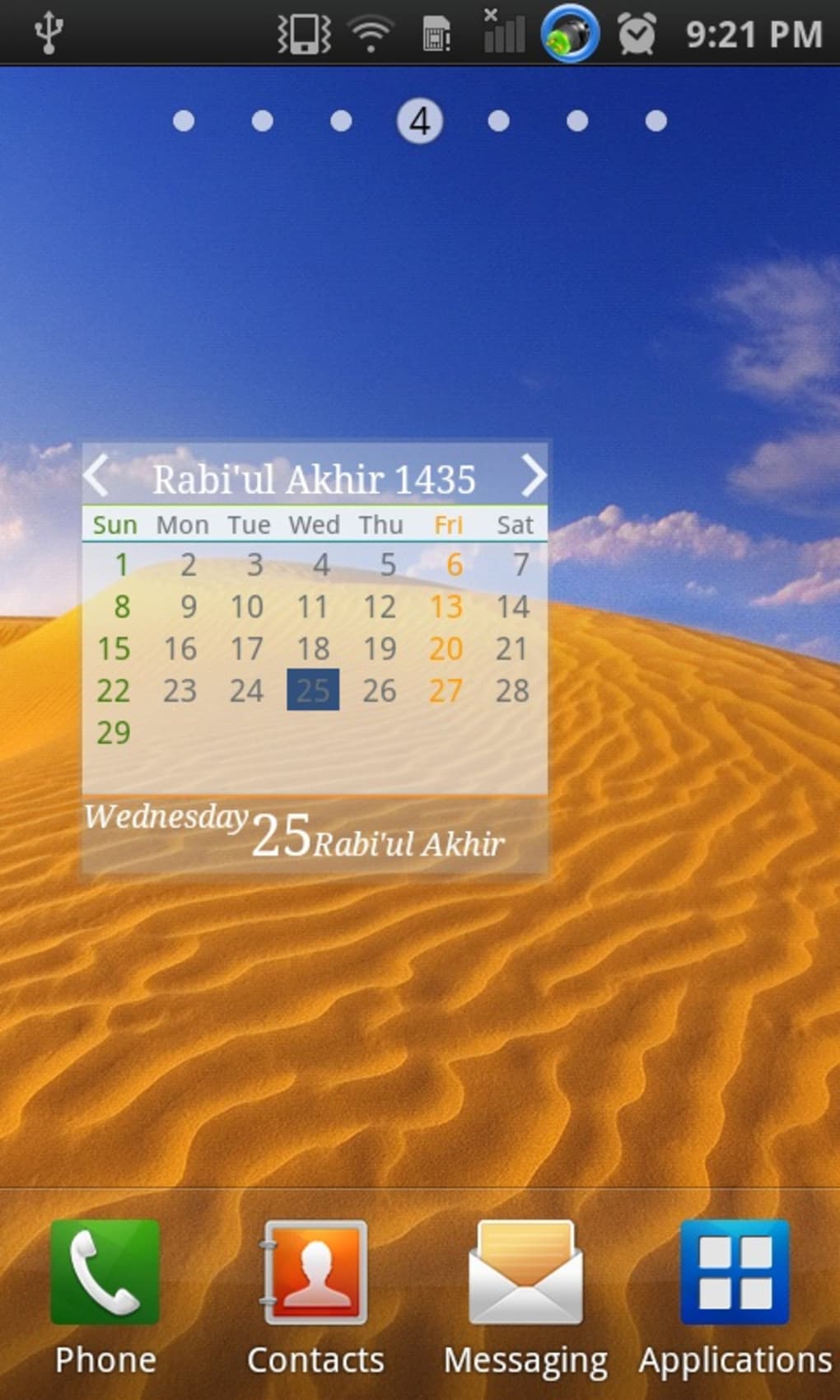
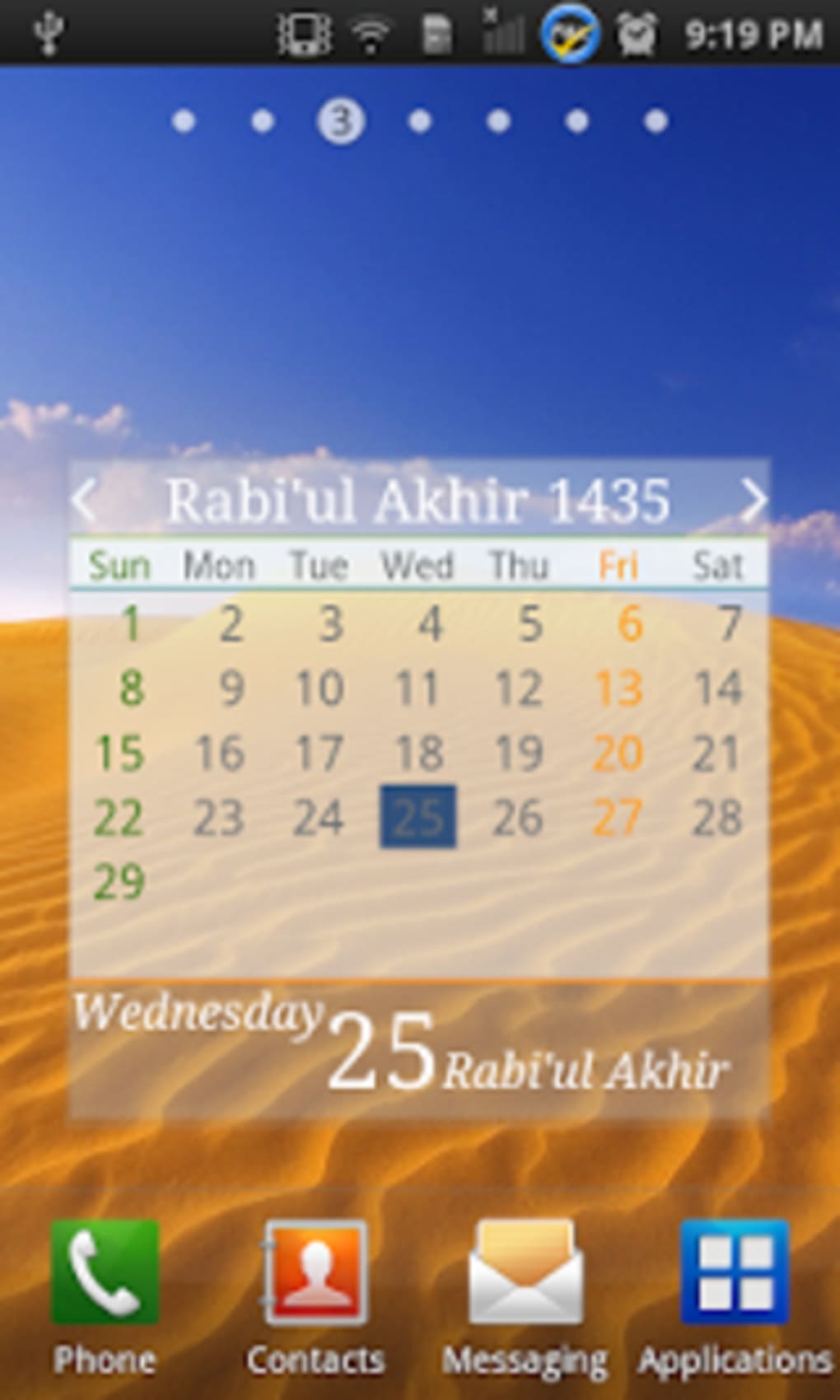
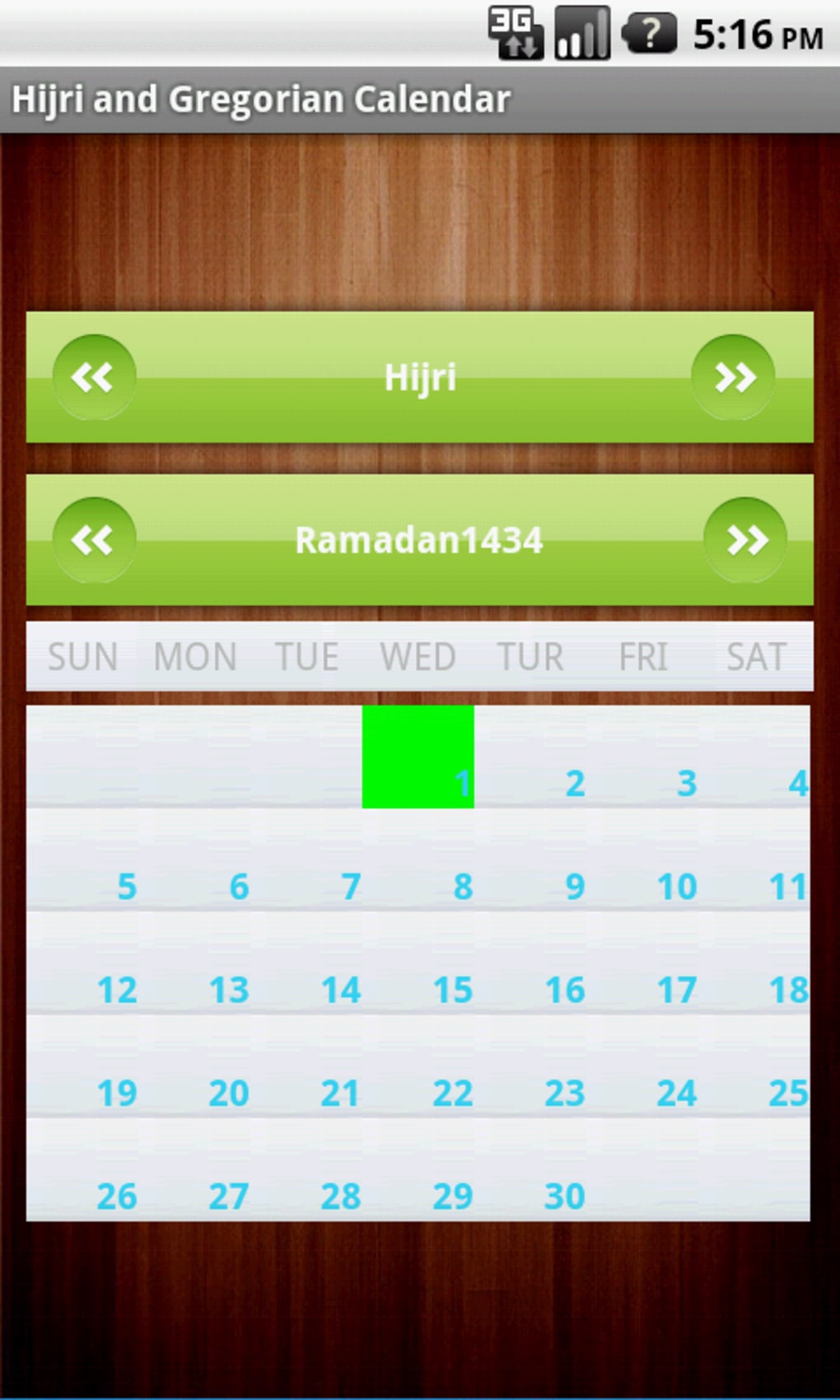
Hijri Calendar Widget is a desktop utility designed to serve users who rely on the Islamic lunar calendar for daily planning, religious observance, and time management. As a homescreen widget, it provides immediate access to the Hijri date, prayer times, and key Islamic events, enabling users to stay aligned with their spiritual and personal schedules. The tool is particularly beneficial for Muslims residing in non-Muslim-majority countries who require a reliable way to track fasting periods, Ramadan, Eid, and other religious milestones. It is tailored for individuals seeking a simple yet effective digital solution to integrate Islamic timekeeping into their daily routines.
Developed by Sharpsol, the app is positioned within the Productivity Apps category, specifically under Calendars & Planners. Its primary function is to deliver real-time Hijri calendar data directly on the device’s home screen, minimizing the need to open a separate application. The software supports multiple languages, including English, Spanish, and German, making it accessible to a diverse user base. Although the developer did not provide additional details about their background or broader product portfolio, the app has maintained consistent availability since its initial release in 2014.
Key Features & Capabilities
- Hijri Date Display – Shows the current Hijri date in a clear, easy-to-read format, updated daily based on lunar cycles.
- Real-Time Calendar Integration – Syncs with the device’s home screen to provide instant access without launching a full application.
- Multiple Language Support – Available in English, Spanish, and German, catering to international Muslim communities.
- Religious Event Alerts – Highlights significant Islamic dates such as Ramadan, Eid al-Fitr, Eid al-Adha, and other observances.
- Lightweight Design – Built to operate efficiently with minimal system impact, ideal for devices with limited resources.
The widget is designed for users who prioritize religious timekeeping in their daily lives. For example, a student in Spain can use the widget to track the start of Ramadan without checking multiple apps. Similarly, a professional in Germany can monitor the progression of the Hijri month to plan work schedules around religious commitments. The tool’s simplicity ensures that users can stay informed without distraction, focusing on both spiritual and practical aspects of daily life.
User Interface, Workflow & Performance
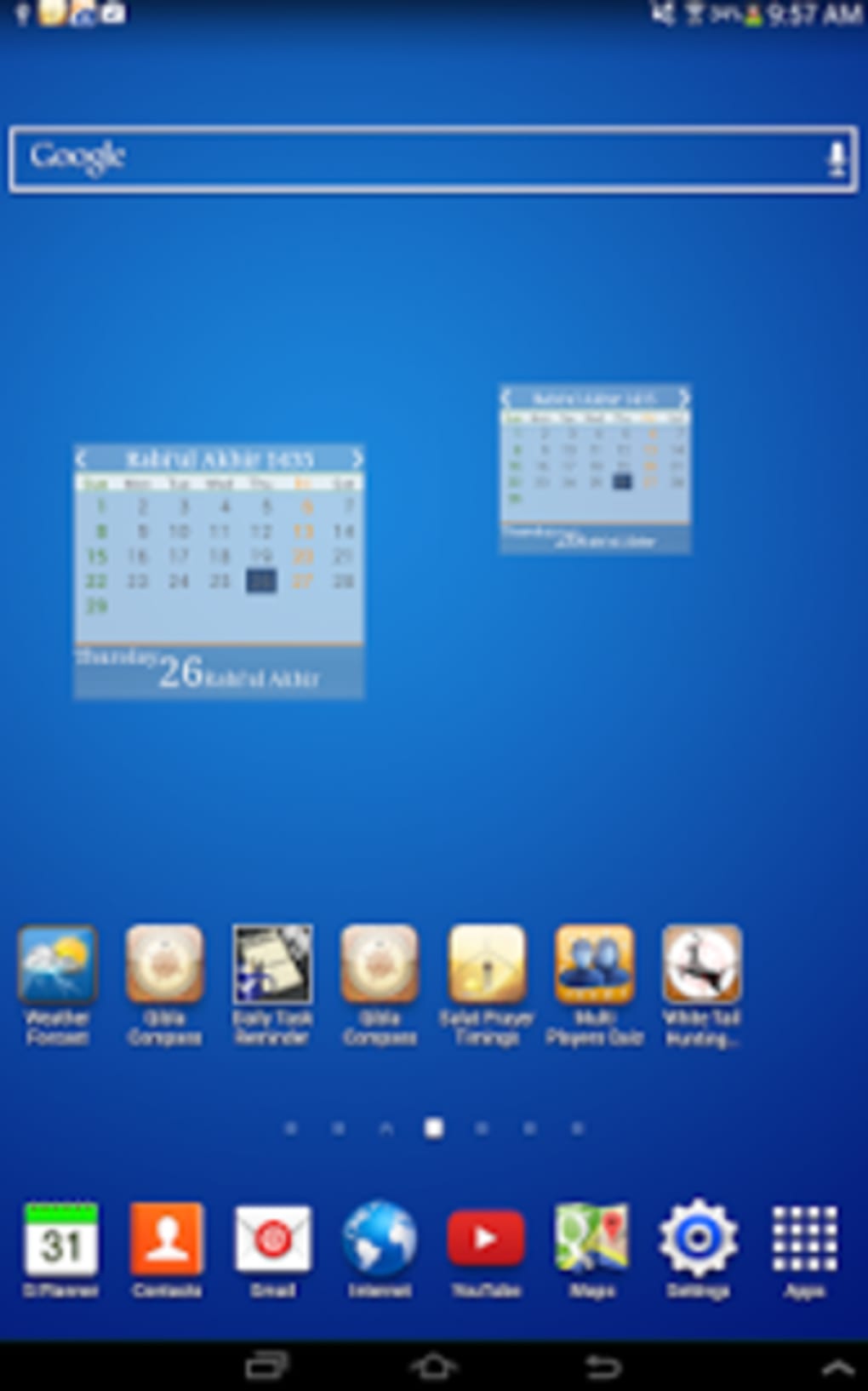
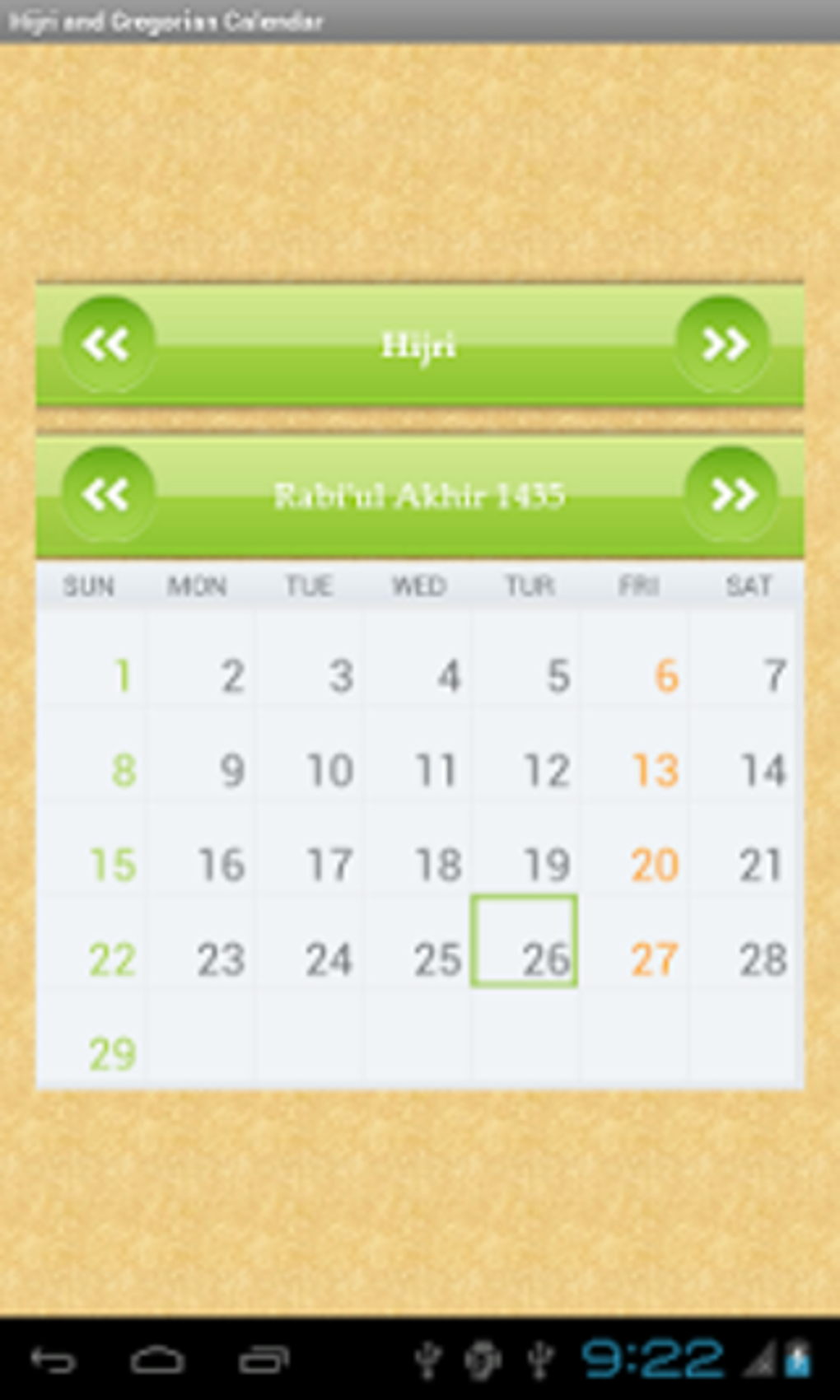
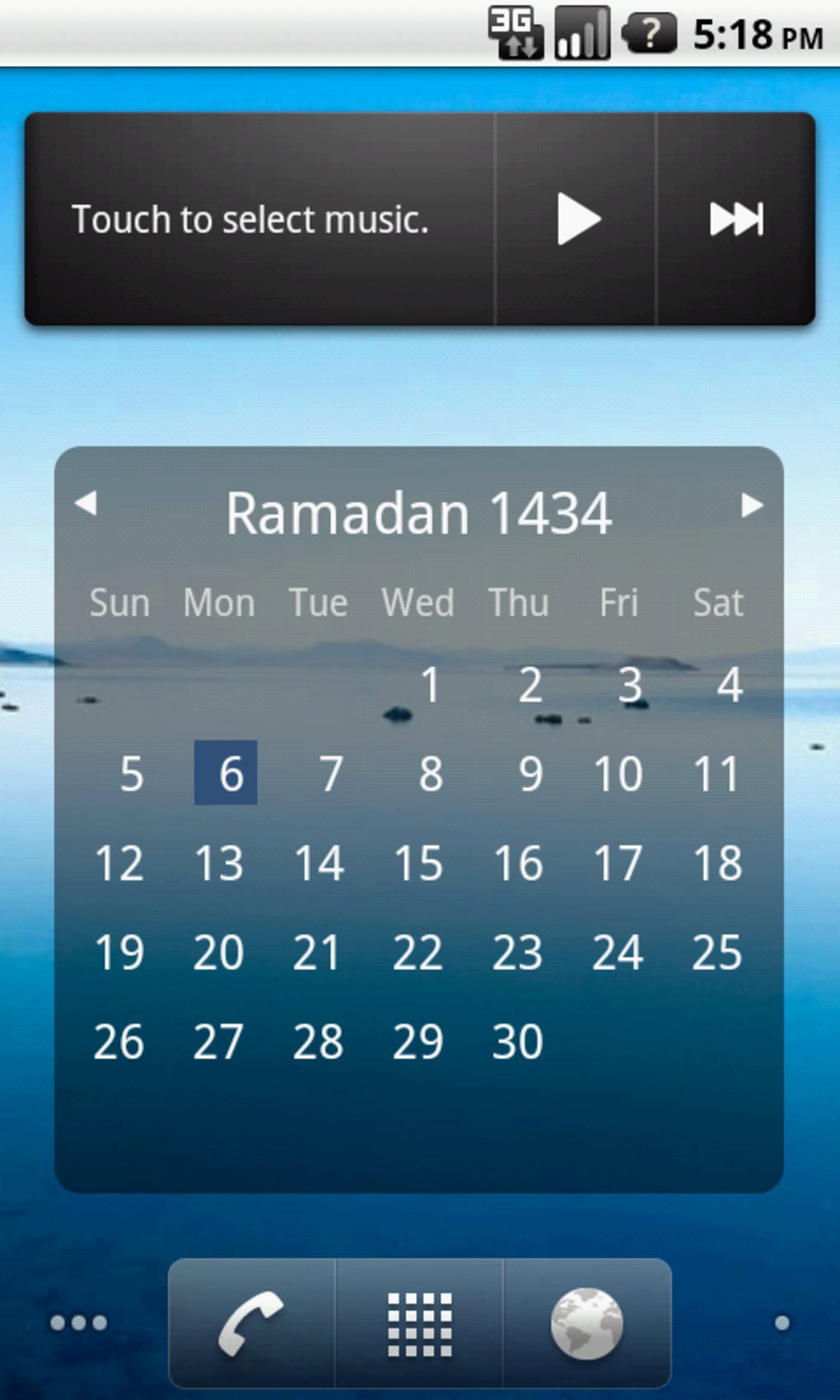
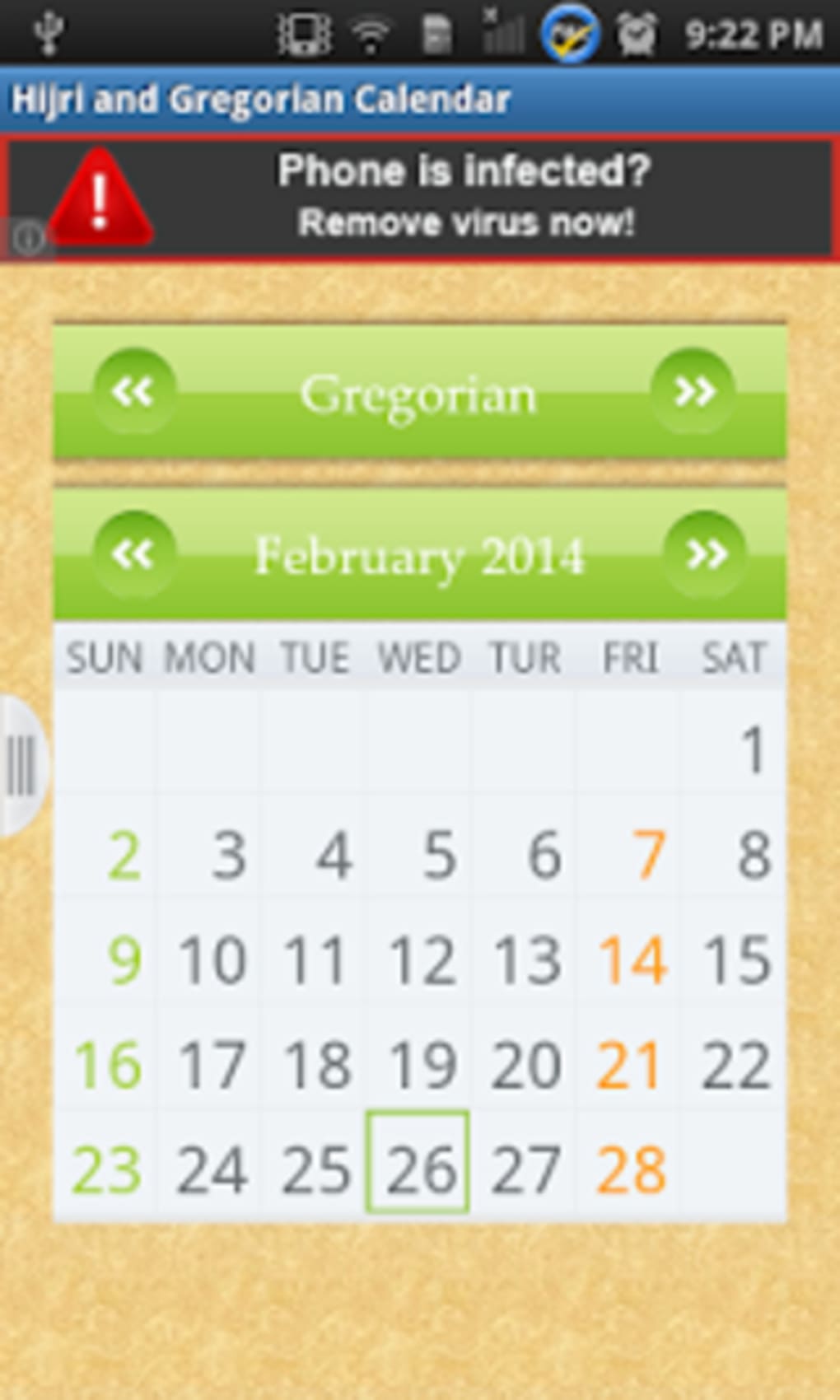
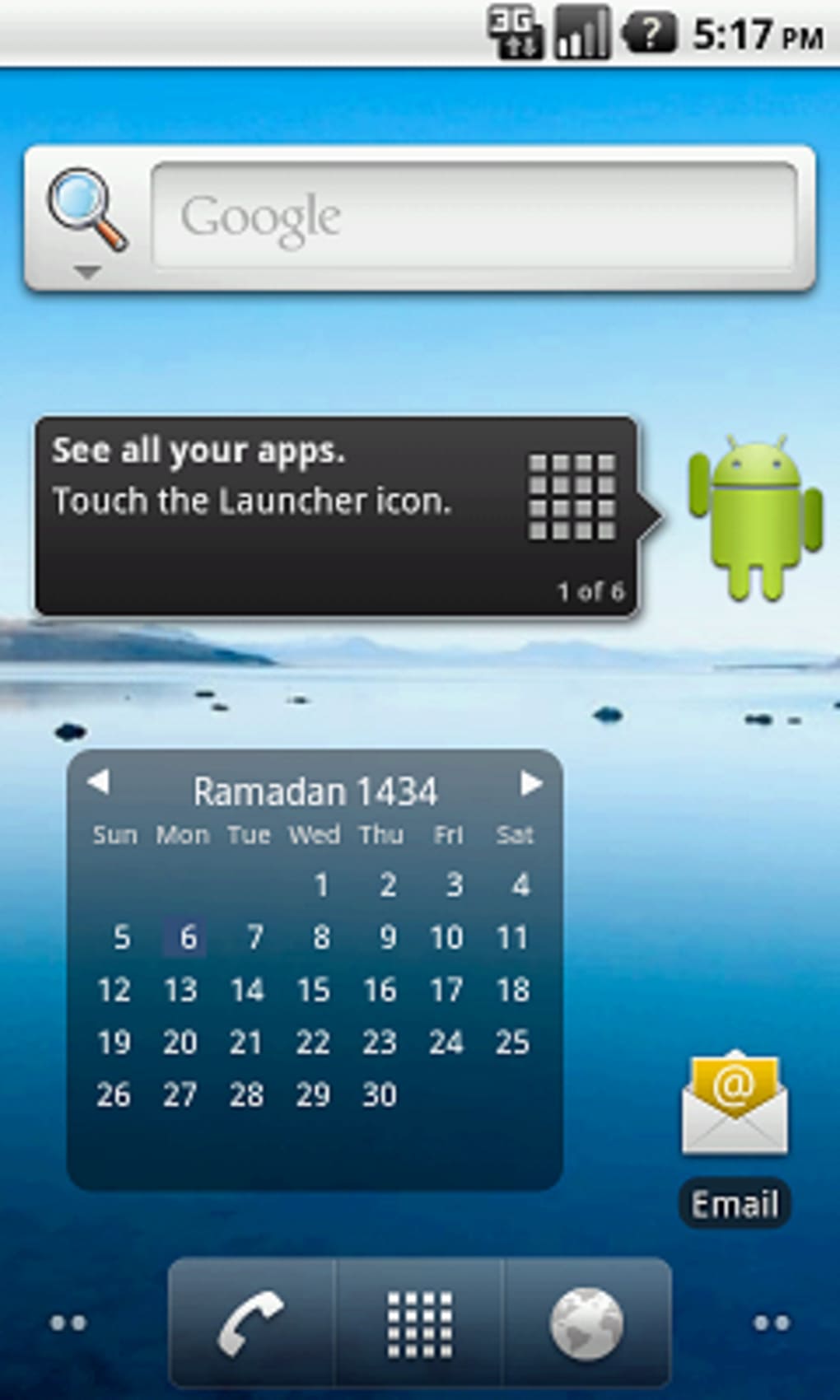
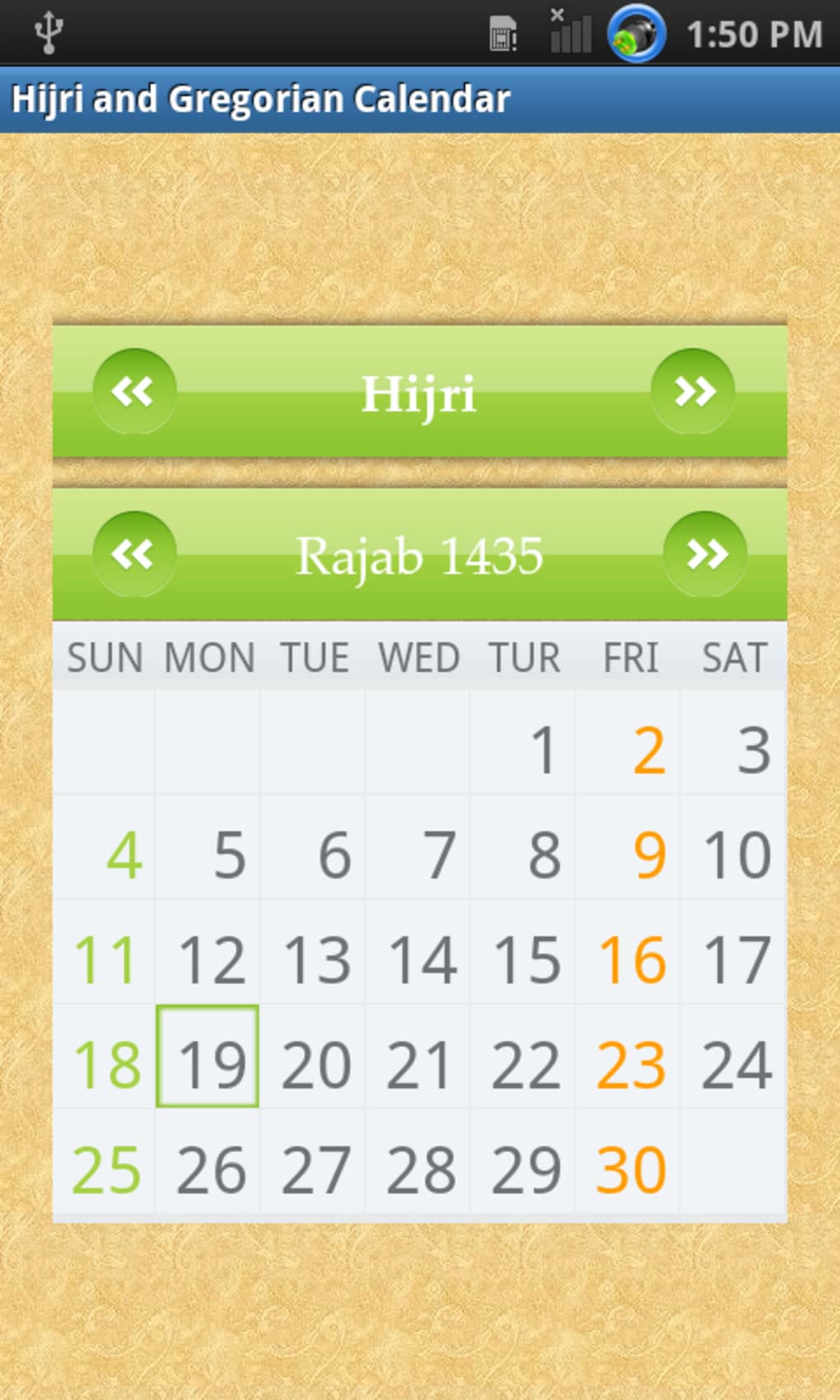
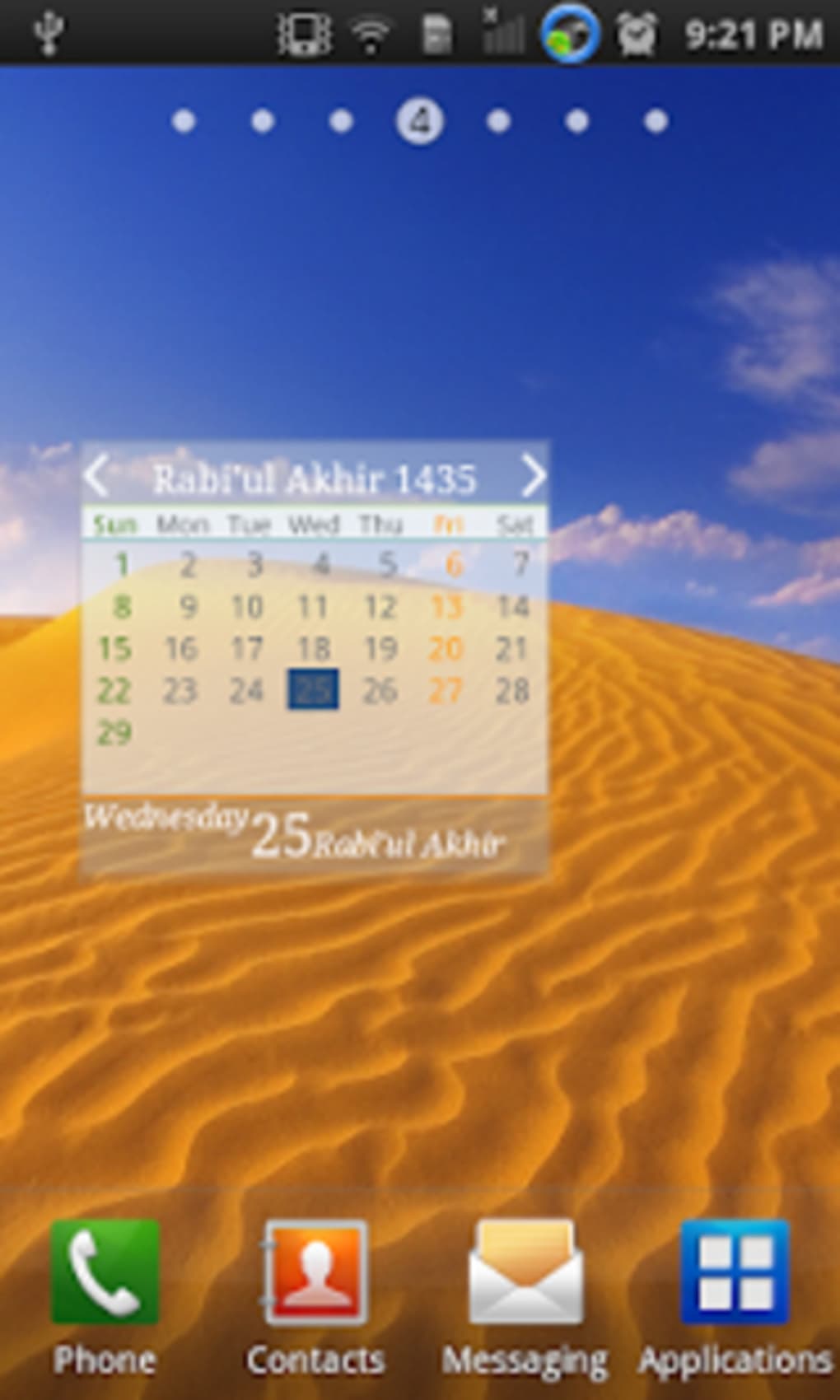
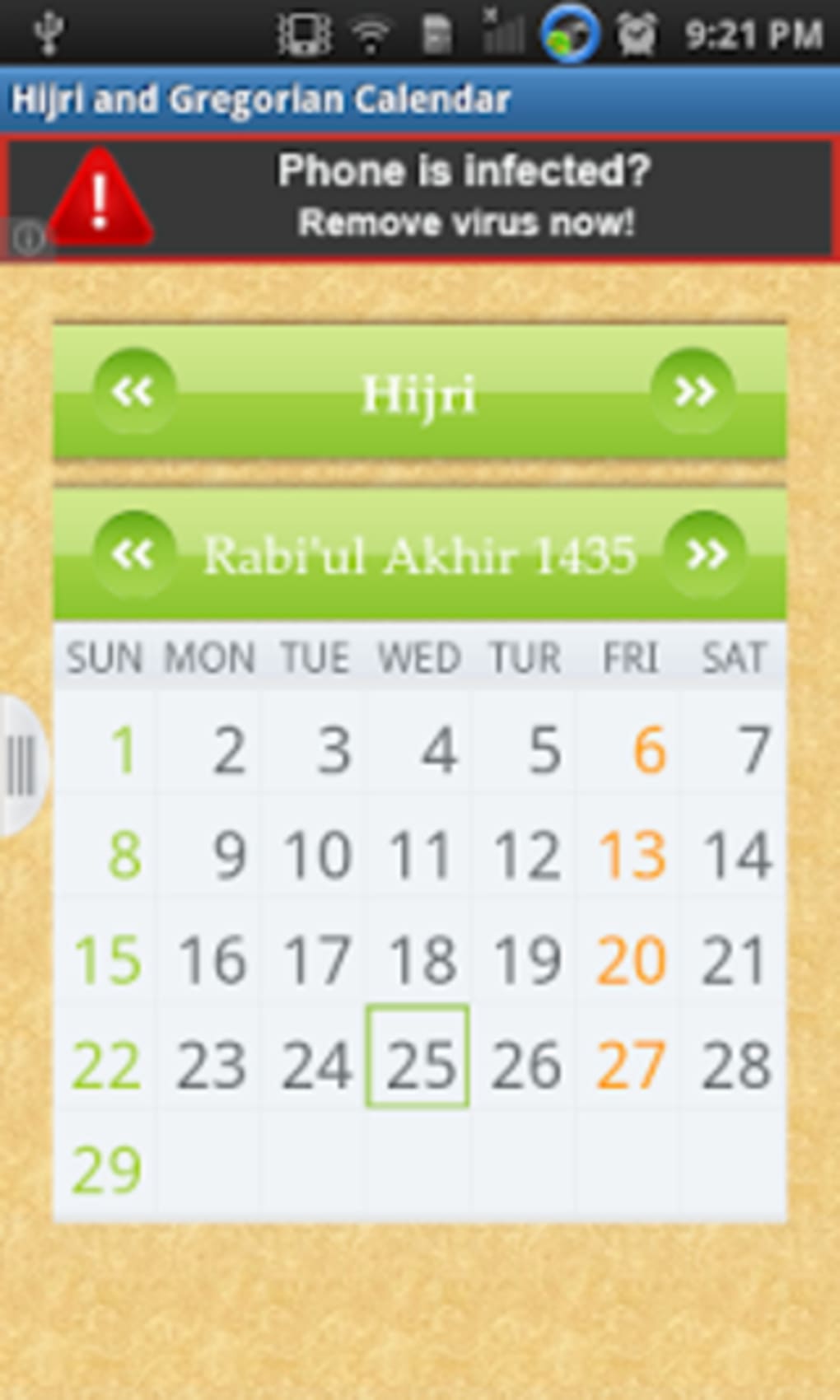
The user interface of Hijri Calendar Widget is minimalistic and functional, focusing on clarity and ease of use. The widget appears on the home screen in a compact format, displaying the current Hijri date, month name, and year. Navigation is intuitive—users can long-press the widget to access configuration options, such as language selection or event visibility. The workflow is streamlined: once installed, the widget updates automatically, requiring no manual input from the user.
Performance details were not specified by the developer. However, based on general software behavior patterns, the app operates efficiently in the background, consuming minimal CPU and RAM. Stability appears to be maintained over time, as the app has been available since 2014 with consistent updates. The developer did not specify resource usage details, but the lightweight design suggests it is suitable for older Android devices. Users can expect smooth operation without noticeable lag or crashes under normal conditions.
Compatibility & System Requirements
Hijri Calendar Widget is compatible with Android 2.3 or later versions, ensuring accessibility across a wide range of devices. The app is available exclusively for Android platforms, with no information provided about support for iOS, Windows, or other operating systems. The installation size varies depending on the device, as the developer did not specify a fixed file size. Exact system requirements were not listed, but the app’s long-term availability suggests it functions well on low- to mid-range hardware.
Users are advised to ensure their device meets the minimum Android version requirement before installation. The app supports multiple languages, which may affect installation size slightly, but the overall footprint remains small. Compatibility information was partially provided, and no specific hardware requirements were mentioned. For users with older devices, the app’s lightweight nature may enhance performance and battery efficiency.
Pros and Cons
Pros
- Free to download and use with ad-supported model
- Simple, intuitive interface ideal for daily use
- Real-time Hijri date updates without launching an app
- Supports multiple languages for global accessibility
- Lightweight and optimized for older Android devices
Cons
- No offline functionality confirmed
- Ad-supported model may interrupt user experience
- Limited to Android platform only
- Version 3.3 is from 2014, indicating infrequent updates
- No integration with other calendar apps or cloud services
FAQ Section
Is Hijri Calendar Widget available for iOS devices?
The app is currently only available for Android operating systems. There is no official version for iOS or other platforms.
Is the app safe to download and use?
Based on the developer’s reputation and consistent presence since 2014, the app appears to be secure. However, users should download it from trusted sources to avoid potential risks.
Does the app require an internet connection?
While the app functions without constant connectivity, real-time updates depend on network access. Offline usage may result in outdated date information.
How often is the app updated?
The latest version, 3.3, was released on October 31, 2014. This suggests infrequent updates, and users should be aware of potential compatibility issues with newer Android versions.
Can I use the app without ads?
The app is free with ads. There is no mention of a premium version or ad-free option in the provided information.
Final Thoughts + CTA
Hijri Calendar Widget remains a practical solution for users who need consistent access to the Islamic lunar calendar. Its minimalist design, multilingual support, and seamless integration into the Android home screen make it a valuable tool for daily religious and personal planning. While the lack of recent updates and limited platform availability are notable drawbacks, the app continues to serve its core purpose effectively. For Muslims seeking a straightforward, no-frills way to track Hijri dates, this utility delivers reliable functionality without complexity. Its long-standing presence in the app ecosystem speaks to its enduring relevance.
Download Hijri Calendar Widget now to keep your spiritual and daily schedules in sync with the lunar calendar.
Guides & Tutorials for Hijri Calendar Widget
How to install Hijri Calendar Widget
- Click the Preview / Download button above.
- Once redirected, accept the terms and click Install.
- Wait for the Hijri Calendar Widget download to finish on your device.
How to use Hijri Calendar Widget
This software is primarily used for its core features described above. Open the app after installation to explore its capabilities.
User Reviews for Hijri Calendar Widget 0
No reviews found





